MM logo white 1
MM logo red
Image description is not available

Which TV for sport suits you best?

Anouk5 MAY 2026
Three people sit close together on a couch, watching a football match on TV in a warm living room.

Watching sport on TV takes more than just a big screen. Whether you’re following football, watching cycling or putting on an F1 race, you’ll want to catch every moment of the action, hear all the commentary clearly and fully immerse yourself in every match, race and lap. That’s why it’s best to pay attention to things like your TV’s refresh rate, resolution and display type. Read here what else is worth considering and what that means for your viewing experience.

Choosing a TV for sport: a short summary

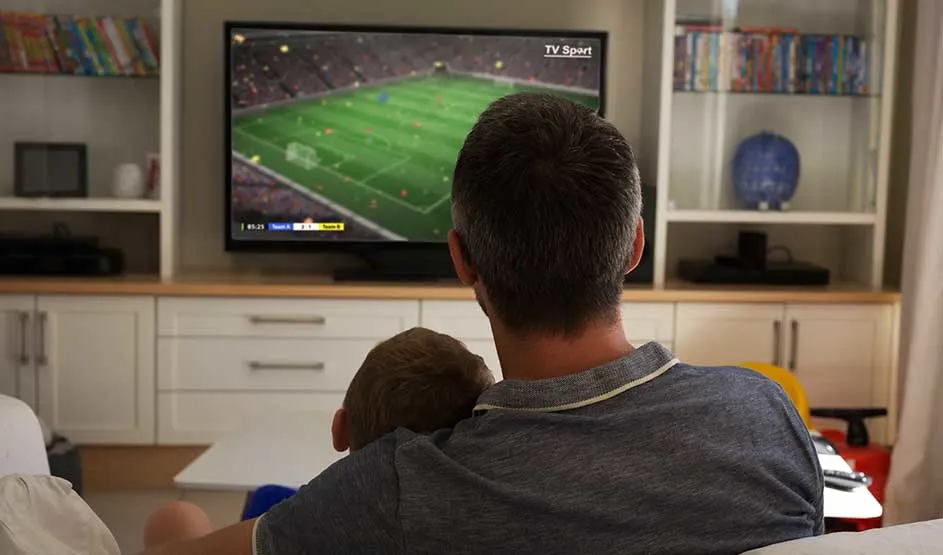
An adult sits with a child on their lap, calmly watching a football match on television in a cozy living room.

These are the main things to keep in mind when choosing a TV for watching sport:

  • Choose a screen size that suits your viewing distance, usually 55 inches or larger for a clear overview.
  • Go for a refresh rate of at least 100 hertz.
  • Choose at least 4K resolution to see all the details clearly.
  • Pay attention to the display type, such as OLED or QLED, and combine it with HDR for better contrast and colour.
  • Take the viewing angle into account, especially if you watch TV with several people.
  • A soundbar gives you clearer sound and puts you right in the middle of the action.
  • Useful extras such as a sport mode and 4K upscaling can make your viewing experience even better.
What are the most important specifications for a TV for sport?

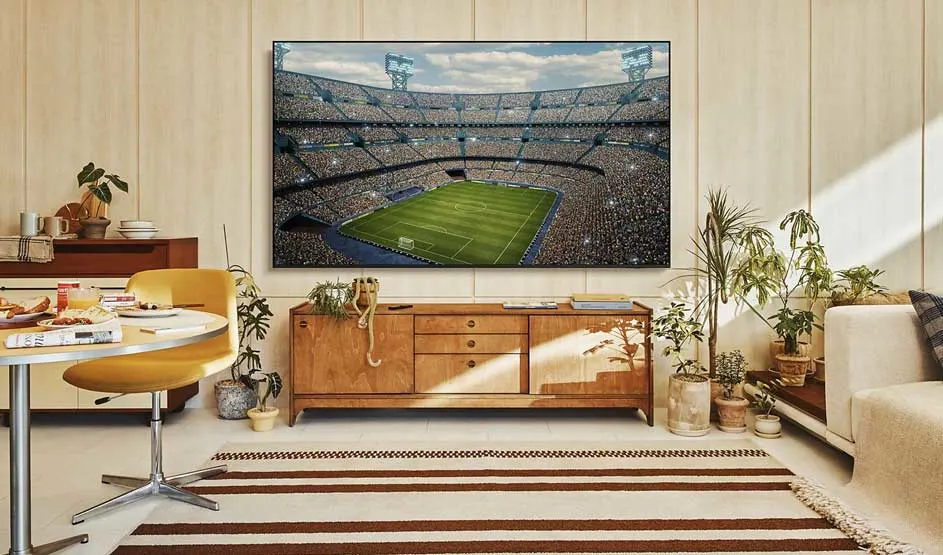
A large TV shows a packed football stadium in a bright living room with a wooden cabinet, plants, table, and soft sunlight.

If you’re choosing a TV for watching football, cycling or another sport, these are the main things to keep in mind:

  • Viewing distance and screen size.
  • Refresh rate.
  • Resolution.
  • Display type, such as OLED, QLED and HDR.
  • Viewing angle.
  • Useful features.
  • Audio quality.

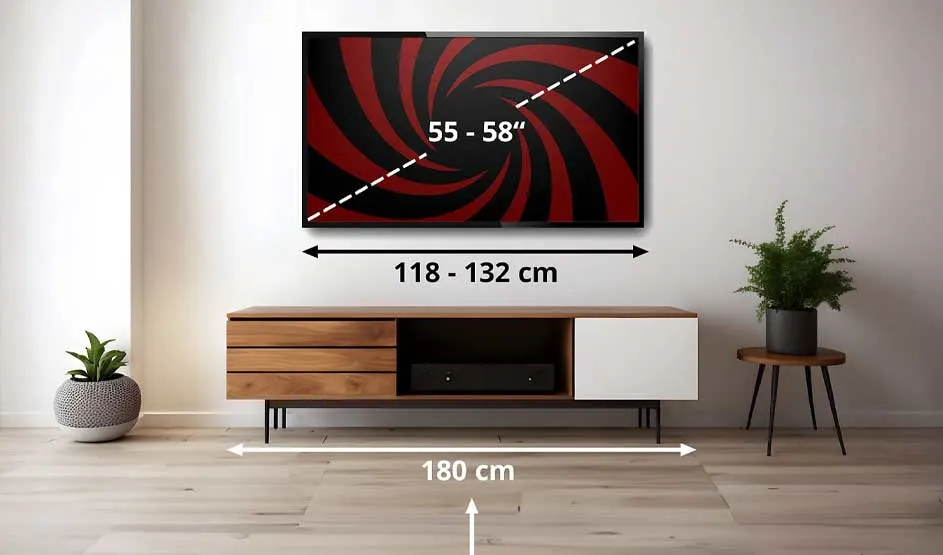
A TV with size measurements hangs on the wall; below it stands a wooden cabinet in a minimalist room with two plants.

Distance from the TV and screen size

For watching sport, it’s best to choose a screen between 55 and 65 inches, so you get a better overview during fast-moving action, such as an attack in a football match. If you’ve got a spacious room and sit far enough from the screen, you can even go for an extra-large TV. However, if you sit too close to a large TV, you may lose the overall view. So, match the size of your TV to your viewing distance for a comfortable viewing experience where you don’t miss a thing. With a TV wall mount, you’re not dependent on a piece of furniture and you’ve got more freedom when placing your TV.

Which TV size suits you?
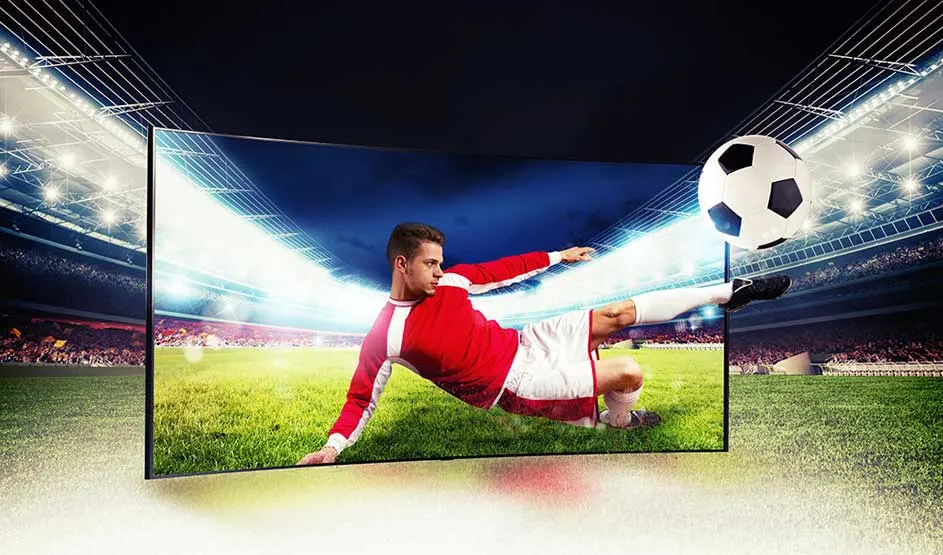
A footballer seems to slide out of a large screen while kicking a ball, in the middle of a brightly lit stadium.

High frame rate for smooth action

To enjoy sport on TV to the fullest, choose a set with a refresh rate of 100 hertz or more. This helps ensure that a fast-moving football, a Formula 1 car or a cyclist doesn’t appear blurry, and that the picture doesn’t stutter. A higher frame rate or refresh rate also feels more realistic, so you can enjoy the action even more.

What is hertz (Hz)?
A motocross rider jumps through the air; a diagonal line shows a blurry image on the left and a much sharper view on the right.

At least 4K resolution for detail

If you don’t want to miss a single detail, it’s best to choose a TV with 4K resolution. That way, shirt numbers remain clearly readable, and you can still recognise athletes from a distance. 4K is 4 times sharper than Full HD (1080p) and makes a noticeable difference, especially on a larger screen.

Not every sports broadcast is shown in 4K. For example, you may watch the Tour de France and some FIFA matches in 1080p. But if you have a 4K smart TV with upscaling, you can still enjoy sport in near-4K quality. If you want to choose with the future in mind, you can go for an 8K TV, so you can keep watching in the best possible picture quality.

What is 4K?
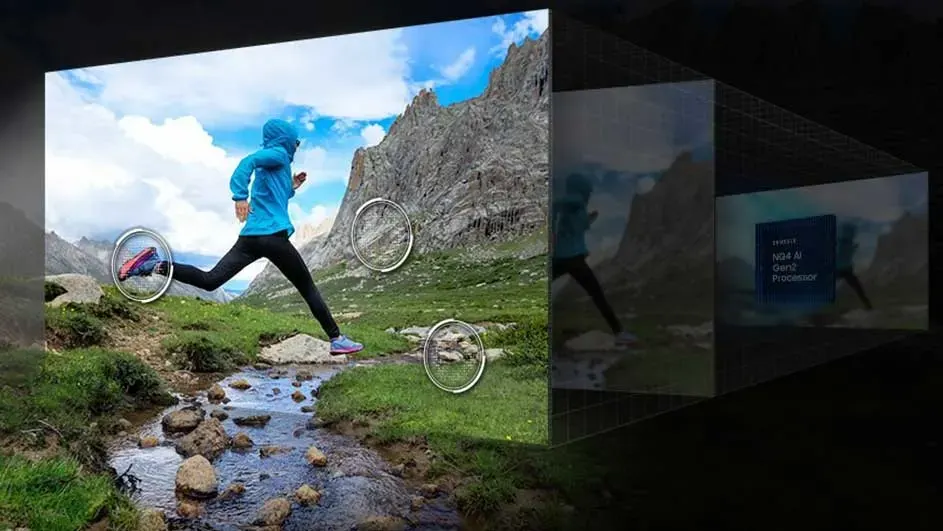
A runner leaps over a stream in the mountains; transparent screen layers beside the image suggest processing or depth.

Extra picture technologies for better colour reproduction

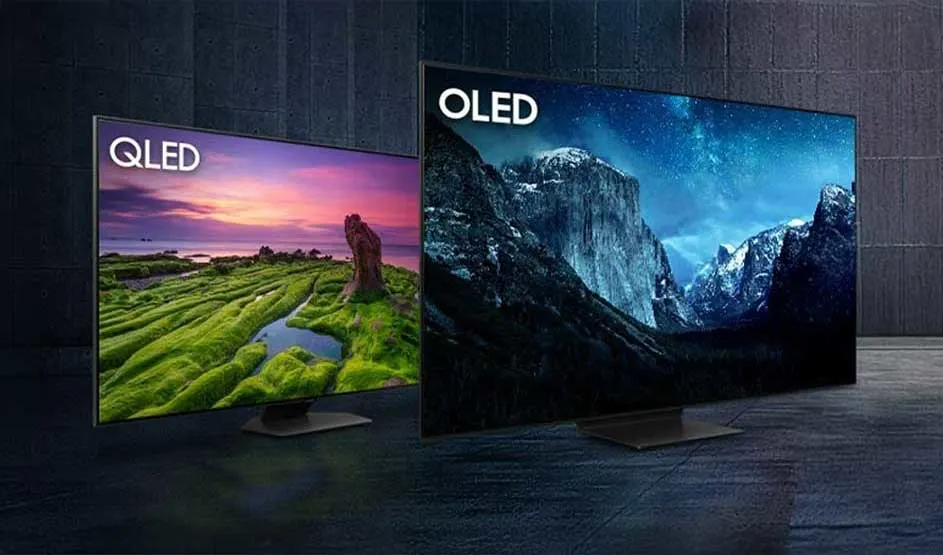
OLED and QLED are popular display types for watching sport. The display type determines how your TV shows light and colour. On top of that, HDR improves contrast and colour range, making it a useful technology for your sports TV.

Two televisions stand side by side: left a QLED with a vivid landscape, right an OLED with a dark mountain scene at night.

In short:

OLED: each pixel switches on and off individually, which creates deep blacks, sharper shapes and more flexibility in viewing angle.

QLED: the best choice if you watch during the day or in a bright room, thanks to the higher brightness that handles reflections better.

HDR: not a display type in itself, but a technology that works together with OLED and QLED to further improve colour and contrast.

OLED vs QLED: which suits you best?
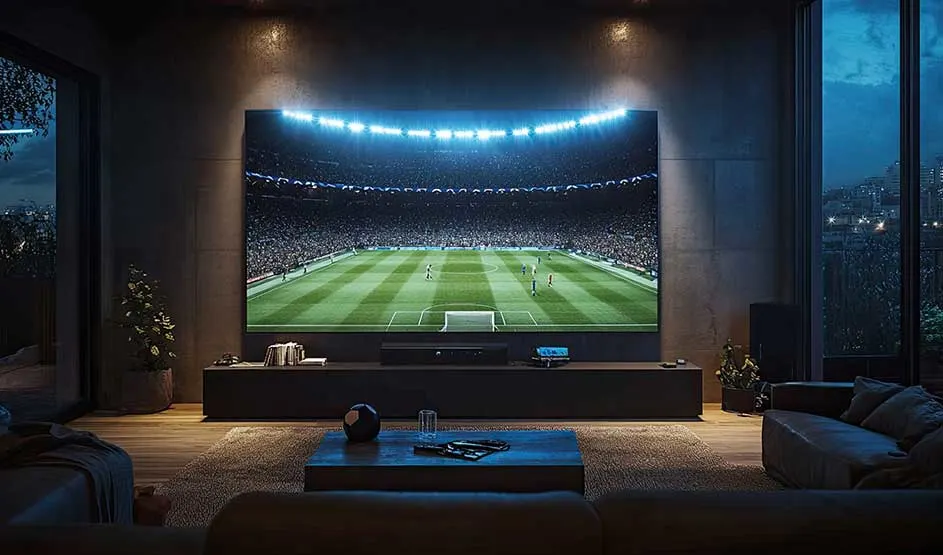
In a dark, luxurious living room, a huge TV shows a brightly lit football stadium, viewed from a low seating area.

Decide on the TV’s viewing angle

If you watch sport with friends or family, there’s almost always someone viewing the screen from an angle. In that case, the viewing angle is especially important, because it determines how well the picture remains visible when you’re not sitting directly in front of the TV. With a limited viewing angle, colours fade and contrast drops as soon as you watch from the side. With a wide viewing angle, the picture stays bright and consistent from different positions. If you usually watch TV on your own, this matters less in your decision.

How to find the best position for your TV
A family sits on the couch facing the TV; blue waves show how the sound spreads spatially through the living room.

Extra atmosphere with high-quality sound

Good sound adds to the stadium feeling during sport. If your TV supports Dolby Atmos or has a built-in subwoofer, the sound feels as though it comes from all around you rather than only from the TV itself.

With a soundbar, you take it a step further. The commentator, the kick of the ball and the whistle for a penalty all sound even more realistic. In a smaller room, a soundbar without a separate speaker set works well and keeps the focus on clear voices and sound quality. If you add extra speakers, you’ll hear the crowd around you and it feels as though you’re right in the middle of the stadium.

Which soundbar should you choose?
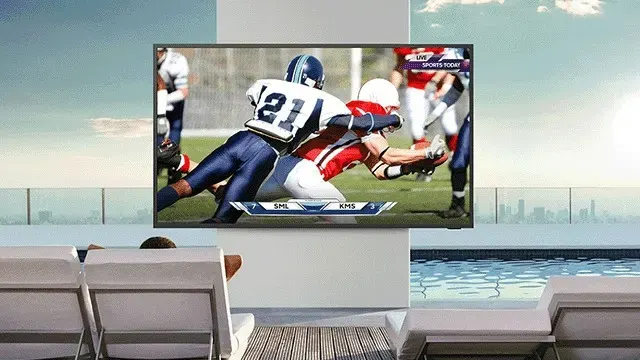
A large TV shows a hard American football tackle in a luxurious space overlooking a pool and the skyline.

Extra TV features for a unique experience

Besides picture and sound, there are extra features that can make your viewing experience even better:

  • Sport mode: automatically optimises picture and sound for clear, smooth action and clearly audible commentary.
  • Smart TV apps: switch quickly to sports services such as Proximus Pickx or Play Sports.
  • High peak brightness: with at least 600 to 1,000 nits, the picture stays clearly visible in a bright room.
  • 4K upscaling: sharpens broadcasts in 720p or 1080p so they look better on your 4K or 8K TV.
  • Anti-glare or anti-reflection screen: reduces distracting reflections from daylight and indoor lighting, so you can watch sport comfortably even during the day. Anti-reflection is also useful if you want a TV for outdoor use.

Our advice on TVs for sport at MediaMarkt

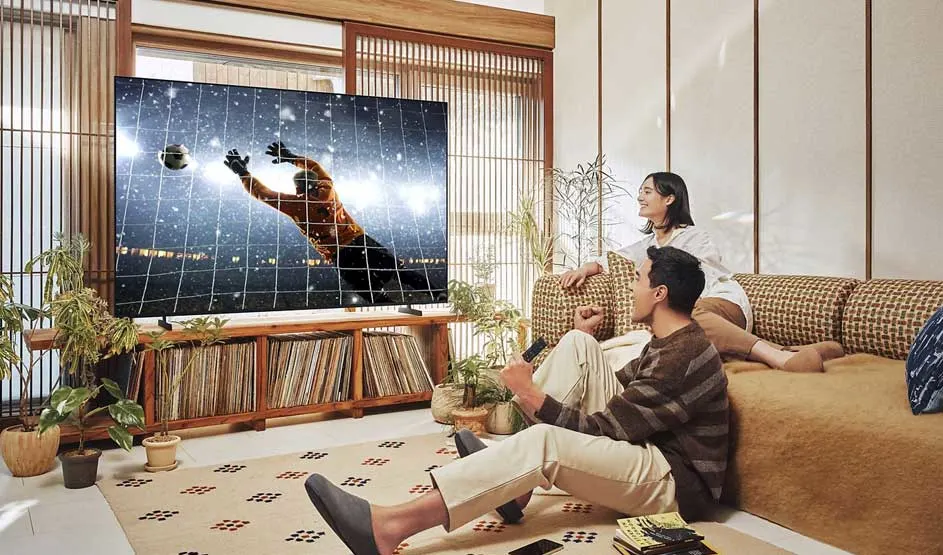
In a cozy living room, two people watch a large screen showing a diving goalkeeper during a football match.

To choose the right TV for sport, there are a few criteria to keep in mind. If you sit farther away, it’s better to go for a larger screen so you keep a clear overview during the action. If you often watch during the day or with several people, brightness and viewing angle are important to keep the picture clearly visible from every position. To enjoy fast-moving action to the fullest, choose an OLED TV or QLED TV with a refresh rate of 100 hertz or more, and with 4K resolution so you don’t miss a single detail. The display type determines how light and colours are shown, while HDR adds more contrast and better colour reproduction on top of that. With extra features, you can complete the experience.

Which TV should you choose?

Frequently asked questions about watching sport on TV

These articles may also be interesting for you